🚀 ectop
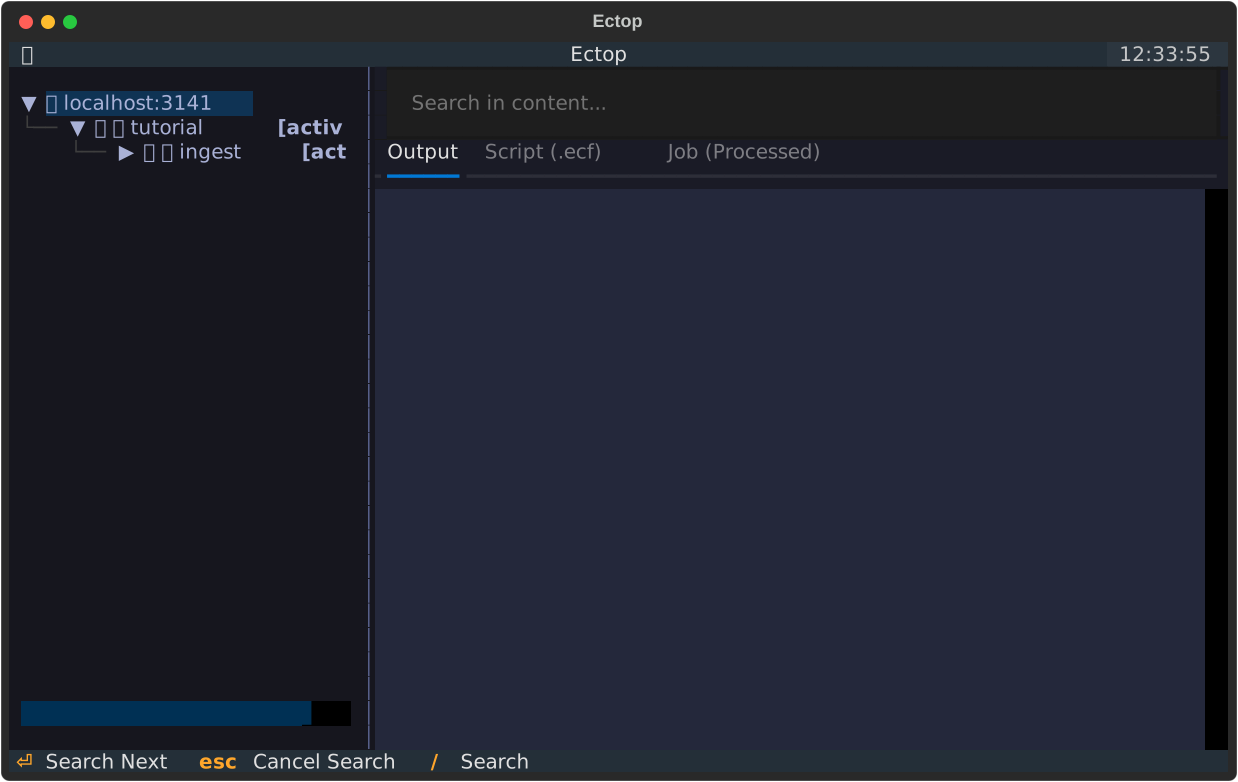
ectop is a high-performance, Textual-based Terminal User Interface (TUI) for monitoring and controlling ecFlow servers. Designed for efficiency and responsiveness, it provides a modern alternative to traditional ecFlow monitoring tools.
✨ Features
- 📡 Real-time Monitoring: View the status of your ecFlow suites, families, and tasks in a hierarchical tree view. The UI updates periodically to reflect the latest server state.
- 🛠️ Node Management: Perform common ecFlow operations directly from the TUI:
- Suspend/Resume: Pause or continue execution of nodes.
- Kill: Terminate running tasks.
- Force Complete: Manually set a node to the complete state.
- Requeue: Reset a node for execution.
- 🔍 File Inspection: Quickly view logs, scripts, and generated job files:
- Log Output: Live view of task logs with optional auto-refresh.
- Scripts: View the original ecFlow script.
- Jobs: Inspect the generated job file.
- ⚡ Search: Interactive live search to find nodes in large suites, optimized with lazy loading.
- ⌨️ Command Palette: Searchable command interface for quick access to all application actions.
- ❓ Why?: A dedicated "Why" inspector to understand why a node is in its current state (e.g., waiting for triggers or limits).
- 📝 Variable Management: View and modify node variables (Edit and Add) on the fly.
- ✍️ Interactive Script Editing: Edit scripts using your preferred local editor (via
$EDITOR) and update them on the ecFlow server instantly. - 📊 Performance Timeline: Visualize task runtimes and state changes relative to siblings or children.
- 🧟 Zombie Management: Dedicated dashboard to view and resolve orphaned ecFlow jobs.
⏱️ Quick Start
Get up and running with a demo suite in seconds:
- Start a local ecFlow server:
- Initialize the demo environment:
- Launch ectop:
📦 Installation
Using Conda (Recommended)
Since ecflow is primarily distributed via Conda, this is the easiest way to get started:
Using Pip
If you already have ecflow installed on your system:
📚 Documentation
- Tutorial - A step-by-step guide to mastering
ectop. - Options & Configuration - Full list of CLI arguments and key bindings.
- Architecture - Deep dive into how
ectopworks. - Reference - API documentation.
- Contributing - How to help improve
ectop.